Tristan Divanach

Sys & Network Enthusiast

French BTS SIO student passionate about infrastructure, networks and systems. Motivated by a desire to learn how architectures and computer systems work. Currently seeking an internship to develop my skills in this field.

Linux
Docker
Cisco
Proxmox
Python
Security

My Articles

Self-hosting a private DNS with Technitium on Proxmox

Self-hosting a private DNS with Technitium on Proxmox

My homelab needed a DNS layer of its own, something that could block ads network wide, answer for internal names and give me visibility into what every device on the network is querying...

Read More


One gateway to rule them all: Nginx Proxy Manager on Proxmox

One gateway to rule them all: Nginx Proxy Manager on Proxmox

Setting up NPM in Proxmox LXC to give every homelab service a clean domain name, HTTPS and a single entry point.

Read More
Reaching my homelab from anywhere with WireGuard

Reaching my homelab from anywhere with WireGuard

Reaching my self hosted services from anywhere without exposing them to the internet. Setting up WireGuard in a lightweight LXC container on Proxmox, wired to my internal DNS and reverse proxy...

Read More
Setting up a LAMP stack from scratch

Setting up a LAMP stack from scratch

Linux, Apache, MySQL, PHP — the four pillars of the classic web stack. Here is how to build one properly on a fresh Debian install...

Read More
Proxmox & Docker: virtualization the smart way

Proxmox & Docker: virtualization the smart way

Combining Proxmox VE with Docker gives you the best of both worlds: full VM isolation when you need it, lightweight containers when you don't...

Read More
Secure and Private file synchronization with SyncThing & Cryptomator

Secure and Private file synchronization with SyncThing & Cryptomator

SyncThing: fast and private synchronisation. What is SyncThing? SyncThing is an open-source peer-to-peer synchronisation tool...

Read More
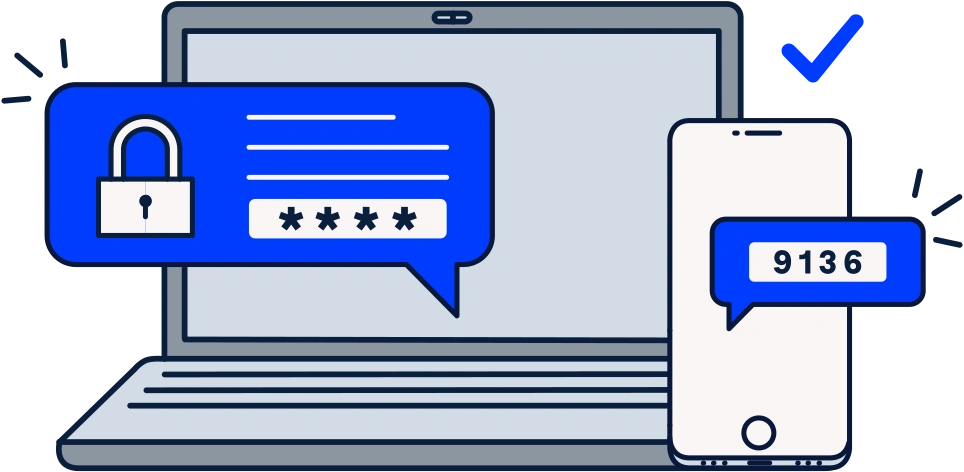
Lock it twice: the power of 2FA

Lock it twice: the power of 2FA

Have you ever had an account hacked? If so, it's probably because you didn't have two-factor authentication (2FA) enabled...

Read More